

30 songs. Saturday. Half of them in different keys.
Get through a short-notice set without writing every chart yourself.
Sound familiar?
- 1The band sends a setlist a few days out
- 2The recordings don't match the keys they play
- 3You chart it, check UG, or learn it by ear, late at night
- 4You find the band's version is different at soundcheck
How SheetMuse helps
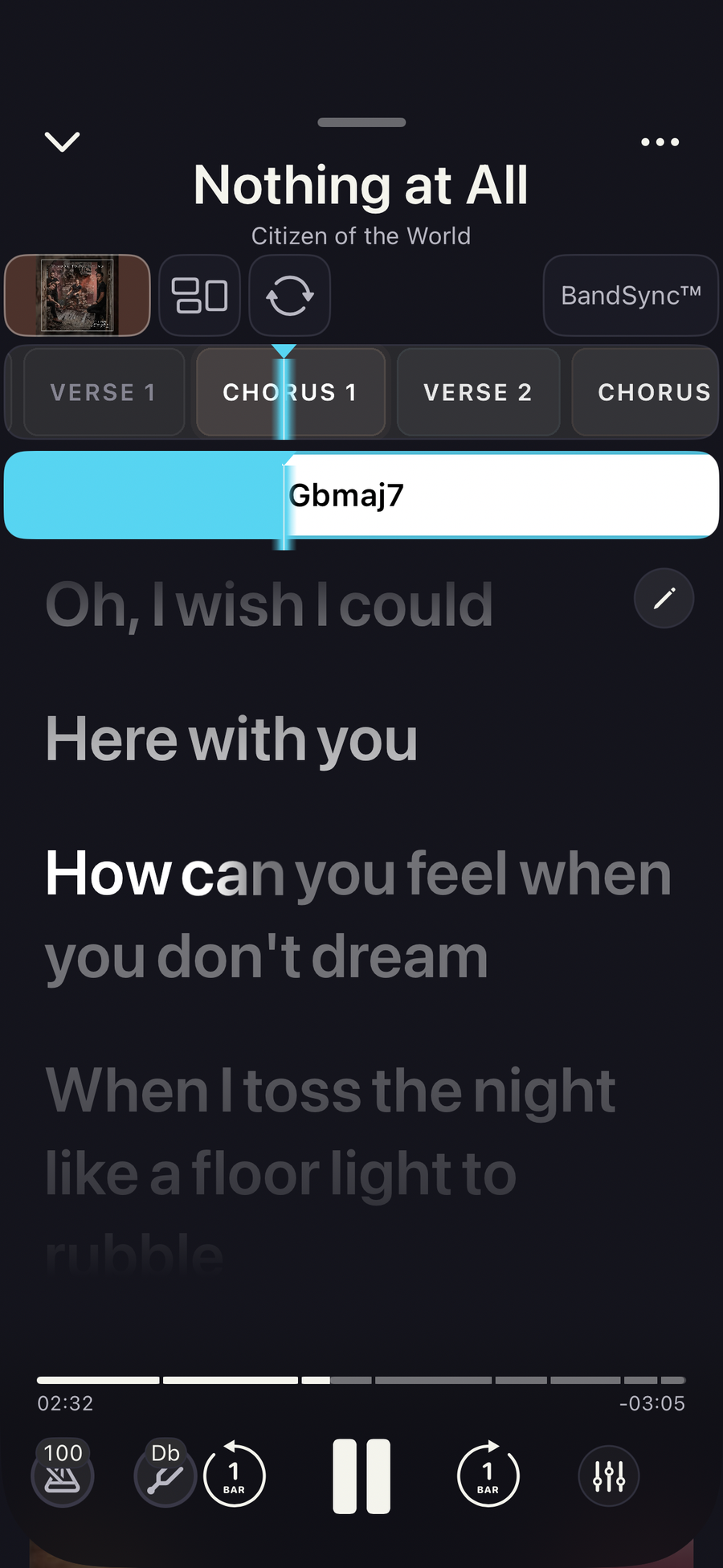
- Chords, lyrics and sections from the recording
- Set it to the band's key
- Keep the whole set in order, ready on your phone at the gig
- Rehearse with the band over BandSync before the gig or session, all on the same key and tempo
Try it on a song you know
No sign-up. Tap to open it in SheetMuse.

Try it on your next set
Get SheetMuse on your iPhone, iPad or Android device.


How do you do it now?
Not ready to try it? Tell us how you work today. We're a small team of musicians in Melbourne and Sydney, and we read every reply.
Questions? [email protected]